




Rated 5 out of
5
by
Anonymous from
It’s easy to use, compact and prints quickly and nicely
I like its speed. I haven’t used it much yet but I will be using it for personal use and Church related activities. It was just a little difficult getting the ink cartridges in.
Date published: 2026-09-24
Rated 5 out of
5
by
fangbw from
Nice for everyday docs and photos
[This review was collected as part of a promotion.] My roommate got this new printer primarily to print photos and I'm pretty impressed by the photo quality. Colors are vivid and images are sharp. It also prints relatively fast for documents, so a reliable choice for household use. Wireless connection is easy. It prints double sided documents automatically, which is convenient.
Date published: 2026-09-21
Rated 5 out of
5
by
Consumer from
Perfect Home Use
From scanning to printing colour pictures all is perfect!
Date published: 2026-09-20
Rated 5 out of
5
by
Anonymous from
Printer
Received my printer quickly from HP was able to easily hook it up and install and have had no issues with it. Very happy so far.
Date published: 2026-09-19
Rated 5 out of
5
by
4mama from
Great compact printer, copier and scanner
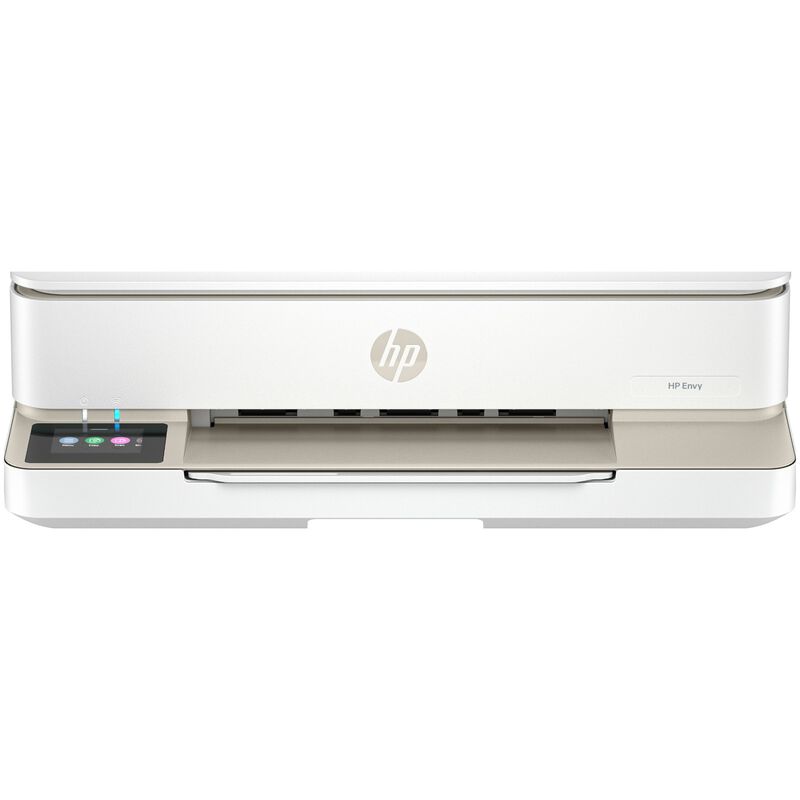
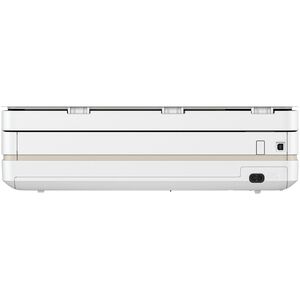
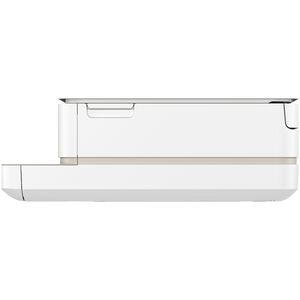
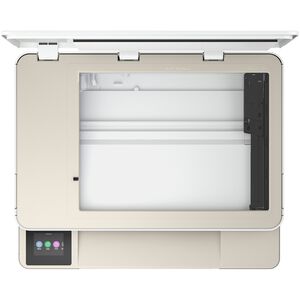
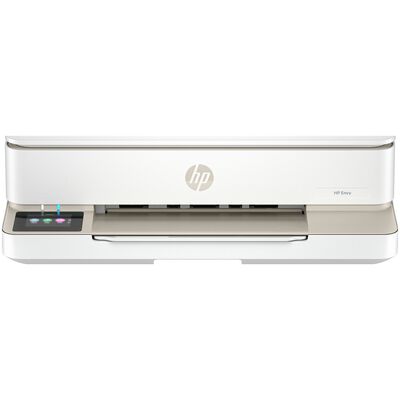
[This review was collected as part of a promotion.] The HP Envy 6155 All-in-One printer is perfect for my needs. It was easy to set-up up and start using. It's compact design makes it easy to fit on my desk in my home office. Having the slide in paper tray, the multi-document holder that's folds down when not in use is a great feature. The LED screen is easy to see to pick copy, scan, etc. I like that I can scan documents into my computer. Copy pages is easy and it allows me to select the number of copies I need. Also, has the option to pick scan ID card. This printer is a great addition to my delivery business. I am able to scan receipts so that I have them saved on my computer and also print multiple receipts on a page for my taxes. I am able to print pages to use for my mileage and delivery log and then scan it into the computer when completed. I recommend this printer for anyone that needs a printer, copier, scanner that is compact and easy to use. It has been a game changer in my record keeping.
Date published: 2026-09-18
Rated 5 out of
5
by
Priety from
Prints Fast and Looks Great
[This review was collected as part of a promotion.] I've been using the HP Envy 6155 for a few weeks, and it has been a great printer for my home. The setup was simple, and I was able to connect it to my Wi-Fi without any issues. The print quality is sharp for documents, and the colors look bright on photos. I also like being able to print directly from my phone. Overall, it has been reliable and easy to use.
Date published: 2026-09-18
Rated 5 out of
5
by
Sizzlean from
Love the wireless printing!!
Date published: 2026-09-17
Rated 5 out of
5
by
MsTara143 from
Great printer for working from home!
[This review was collected as part of a promotion.] I’ve been using the HP Envy 6155 All-in-One Printer for over a month now, and I’ve been really happy with it. I work from home and use the printer about five days a week, so it gets regular use, and it has been reliable and easy to use.
Setup was straightforward, and I really like how convenient it is for everyday printing. The print quality has been consistently good, whether I’m printing documents or something with color. It’s also nice having a printer that doesn’t feel complicated or require constant attention.
After using it regularly for more than a month, I have no complaints. It’s been dependable, performs well for my work-from-home needs, and has made printing at home much easier. Definitely a printer I would recommend to anyone looking for a reliable home or home-office printer.
Date published: 2026-09-14
Rated 5 out of
5
by
Actual purchaser from
Easy to use
Easier to add other people
Date published: 2026-09-12
Rated 5 out of
5
by
Kevin from
Love This Printer!
So far so good. Love this printer! Always prints smoothly and easy to change out the ink cartridge.
Date published: 2026-09-11
Rated 5 out of
5
by
R Gonzalez from
Functional and Space Saving
I like the bluetooth, wireless printing, and the space saving design. The copies are clean, clear, and quick to print. It has a mini copy machine and scanner too! Super easy to set up and works exactly as expected for my home.
Date published: 2026-09-10
Rated 5 out of
5
by
Patti G from
HP Printer Review
Incredibly easy to set up.
Very intuitive when scanning and emailing.
Free ink cartridges arrived a week later.
At this point, the printing quality is top notch and I can choose to use black only or colored ink job. No complaints.
Date published: 2026-09-10
Rated 5 out of
5
by
K Bevis from
Nice experience
Easy set up nice features what I need for my wine going to school
Date published: 2026-09-10
Rated 5 out of
5
by
John from
All good.
Easy set up. But More complicated to use, and setting buttons and frame are too small. No separate tray fir photo paper.
Date published: 2026-09-09
Rated 5 out of
5
by
Nan from
Love this printer
Easy setup! Prints great!
Date published: 2026-09-08
Rated 5 out of
5
by
LalunA70s from
The hm printer
I don’t have enough words to describe how amazing this printer is I love it, for my homework small projects is perfect 👌…
Date published: 2026-09-08
Rated 5 out of
5
by
Sam Meade from
HP printer
Nice printer for residential use.
Date published: 2026-09-08
Rated 5 out of
5
by
Rob from
A great printer
This printer is easy to use and Looks great!
Date published: 2026-09-08
Rated 5 out of
5
by
Very Happy from
Seamless
The printer was easy to setup and the installation directions were clear. I also liked that I have multiple options for how frequently I receive ink and can change it if my needs change.
Date published: 2026-09-08
Rated 5 out of
5
by
Moofer from
First Rate for an inexpensive All-In-One printer
Easy to use, print quality very nice. Color quality is fine. For the price I would definitely recommend.
Date published: 2026-09-08
Rated 5 out of
5
by
Hawkeye from
Easy to use
The ease of set-up & directions were excellent The printer HP ENVY 6155 is being used as a household printer.
Date published: 2026-09-07
Rated 5 out of
5
by
I love my Envy printer from
Easy to set up and easy to use.
I use the printer for personal projects.
Date published: 2026-09-07
Rated 5 out of
5
by
Agnes from
It works pretty well and happy with the price.
It works pretty well and happy with the price.
Date published: 2026-09-07
Rated 5 out of
5
by
Anonymous from
Easy to set up, print quality is excellent, love the way it prints on both sides.
Date published: 2026-09-07
Rated 5 out of
5
by
HP user from
Great product
Quality product that is easy to use. Loading ink and paper is simple. Product is not bulky or heavy. I would recommend this version to others.
Date published: 2026-09-07
Rated 5 out of
5
by
Carmen from
Easy clean copies
Easy set up
Date published: 2026-09-07
Rated 5 out of
5
by
Home from
Fairly easy set up. Quality printing for the cost.
Easier way to add additional sources such as tablets and I phones.
Date published: 2026-09-07
Rated 5 out of
5
by
Joe R. from
Easy instructions, easy set up from loading ink and paper too printing and copying documents.
Would have preferred a different color then white.
Date published: 2026-09-07
Rated 5 out of
5
by
Mack The Knife from
Love It!
Replaced a finicky Canon portable that died on me. Found out it was discontinued and no support. This HP was easy to set up and use.
Date published: 2026-09-07
Rated 5 out of
5
by
Anonymous from
Great Grad School Printer
I purchased this printer to print my lecture notes for Grad School. I have been thoroughly impressed by its ability to handle the amount of of printing I’ve been doing. I really like it.
Date published: 2026-09-07