












Rated 5 out of
5
by
Brian111 from
HP Envy 6555e All-in-One Printer with 3 Months of Instant In..
Everything as promise.
Date published: 2026-01-24
Rated 5 out of
5
by
Anonymous from
I like my new HP printer...Thank You
My new HP printer is working just fine......
Date published: 2026-01-20
Rated 5 out of
5
by
DianaMae from
BUT
The printer worked perfectly. But I am returning it because it’s been 17 days and ink still hasn’t arrived.
Date published: 2026-01-18
Rated 5 out of
5
by
Cynthia Keck from
Nothing to report on the HP Envy 6155e
It took a while to get things done, especially, for the WiFi to connect, but I got there.
Date published: 2026-01-09
Rated 5 out of
5
by
Devin D from
Very happy
So far I’ve been really happy with this printer. Setup was easy and without complications. So far I’ve used it to print only, but the quality is great. It’s met all my expectations.
Date published: 2026-01-09
Rated 5 out of
5
by
Rharwell from
A+ printer
Ease of use. Very pleased with set ip and everything about it
Date published: 2026-01-05
Rated 5 out of
5
by
Anonymous from
User Friendy
Easy setup and easy to use. Very user friendly
Date published: 2026-01-05
Rated 5 out of
5
by
Linda J53 from
HP Envy 6555e- The best all in one printer
This printer has exceeded my expectations. Set up was easy. I encountered no problems whatsoever. The only thing I can say is easy peasy. I also love the ink program. I don’t have to run to the store to look for ink. This is a great printer. The color is beautiful and printing fast.
Date published: 2026-01-02
Rated 5 out of
5
by
JJBJ from
Happy
Good go Home
Date published: 2025-11-30
Rated 5 out of
5
by
Ruby Pel 97 from
Great all in one printer
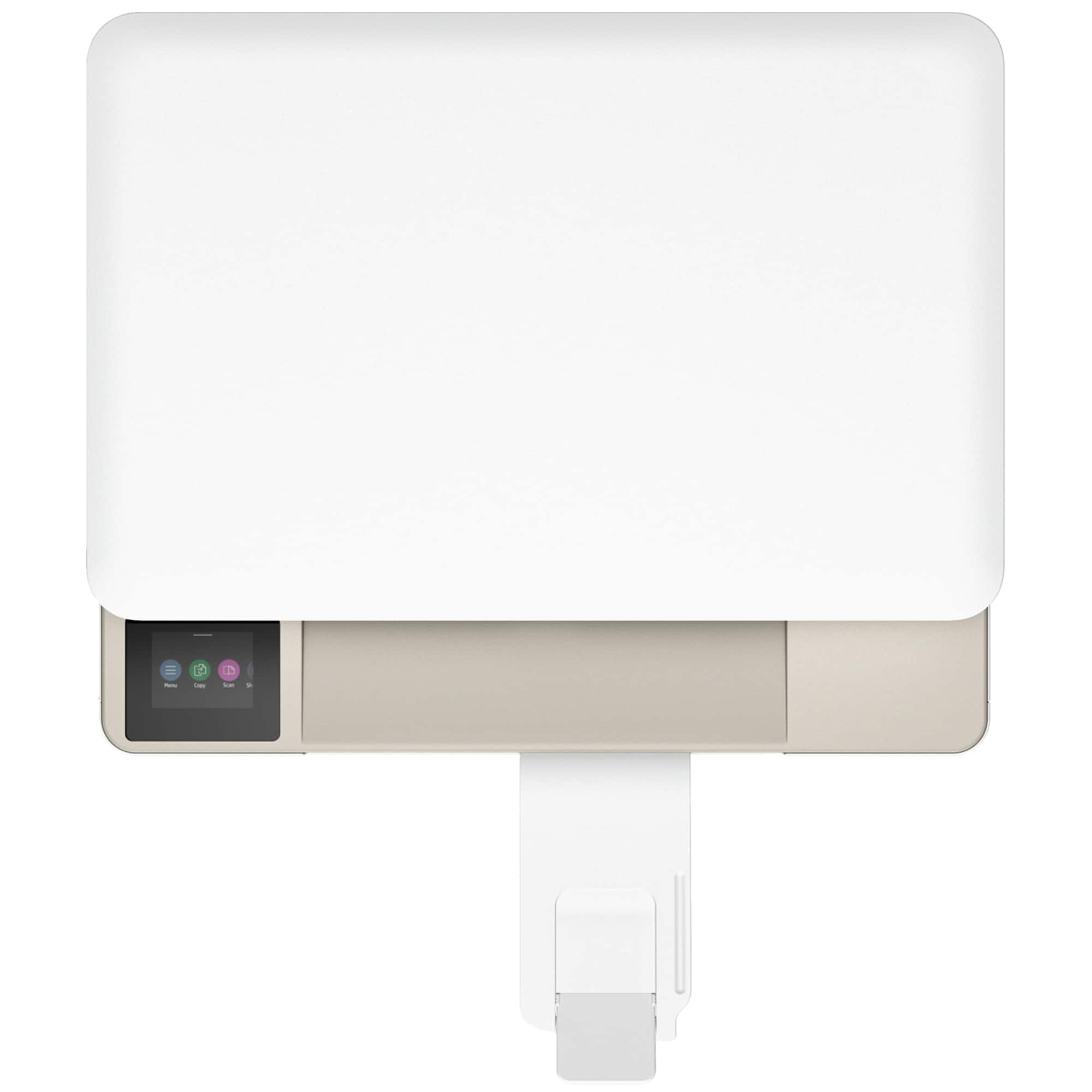
This all in one printer is worth the price! It prints fabulously! Compared to my older model hp printer this one is much more high tech. It has a touch screen that makes connecting to internet a breeze. It also prints double sided without having to switch the paper around. Although, it does print fewer pages per minute I think it evens out in the end because the print quality, compared to my old printer, is much better. I haven’t used the scan feature so I’m not able to review on that part but otherwise I would definitely recommend this printer.
Date published: 2025-11-04
Rated 5 out of
5
by
Tom Borgo from
Good value.
This is a versatile, easy to use, attractive printer for home use. It doesn't have a document feeder on top, but I rarely need one anyway.
Date published: 2025-10-09
Rated 5 out of
5
by
Anonymous from
It works great, just what an 83 year old needs!!
A nice printer for an elderly person!!
Date published: 2025-09-26
Rated 5 out of
5
by
LisaStoutey from
Does the job
Great for Home office
Date published: 2025-09-24
Rated 5 out of
5
by
John.R from
Excellent
Iam changing my HP printer after 20 years and that was because it was slowing down.
Date published: 2025-09-02
Rated 5 out of
5
by
Dom B from
Great replacement printer for home use.
We had to replace our other home printer. We chose this as an inexpensive replacement. Simple and easy to use.
Date published: 2025-09-01
Rated 5 out of
5
by
Anonymous from
Works well.
It works well and prints the pages that I need quickly.
Date published: 2025-08-29
Rated 5 out of
5
by
Susan VS from
Great little all in one printer
Great little all in one printer, compact, lightweight with great print quality
Date published: 2025-08-26
Rated 5 out of
5
by
Peter007 from
Dependable
Had Envy for many years. Good product. Easy set up and use.
Date published: 2025-08-21
Rated 5 out of
5
by
Anonymous from
Printer Review
Great printer. More directions please for setup.
Date published: 2025-08-18
Rated 5 out of
5
by
Chloe B from
Perfect for my use.
It prints, scans and copies. This is all I need for my personal use. Set up was easy. Instructions were easy to follow.
Date published: 2025-08-13
Rated 5 out of
5
by
Vessel1 from
Mr
Excellent product 👊
Date published: 2025-07-20
Rated 5 out of
5
by
Sherryboat from
Very Good All-in-One Printer
I've had several HP printers over several years. the Envy 6555e is probably the best one I've had. It was easy to set up and it was easy to learn the features it has.
Date published: 2025-06-22
Rated 5 out of
5
by
Britt Oyan from
THE BEST
so fast and easy!
Date published: 2025-06-15
Rated 5 out of
5
by
Anonymous from
Easily reachable
Simple to access
Highly available
The printer is exceptionally easy to use, making it accessible for everyone.
Date published: 2025-06-05
Rated 5 out of
5
by
tex businessman from
Home computer
Small printer fits my needs
Date published: 2025-06-01
Rated 5 out of
5
by
RockyA from
Little powerhouse printer
I love this printer! It was so easy to set up and use and there was no learning curve. Once it was out of the box I put it in the location I use for my work and plugged it in. It was connected to my wi-fi in no time and ready to use. All I had to do was insert the included ink cartridges, put in paper and enjoy. I also use instant ink service so my first shipment of ink came within about 3 weeks, just as the cartridges were running out. (The ones that come with the printer are small and don't have
a lot of ink in them so you will want to replace them soon after buying).
I love the new keypad on it that tells you exactly what to do and gives you the options for the pages you are printing. This is a great, economical printer and perfect for my needs.
Date published: 2025-02-25
Rated 5 out of
5
by
Muslrlxr from
Best HP printer
This is ‘the best printer’ I have ever purchased! I love everything about it.
Date published: 2025-02-21
Rated 5 out of
5
by
AnnaLG1411 from
HP 6552 is the best.
[This review was collected as part of a promotion.] I've always liked HP printers, and the Envy 6552 met my expectations. The design is simple, beautiful and modern, it looks great on any desk.
What I like the most is that i can print, scan and copy in color. I've used it a little for printing photos, but even so, I can say the print quality is very good. If you need it for school tasks, home office or for home use, this printer meets the requirements.
Date published: 2025-02-12
Rated 5 out of
5
by
Sharlan167 from
My third HP Printer
[This review was collected as part of a promotion.] Excellent Choice, great printer, nothing better in its class. I would recommend this printer to anyone. Easy to use, and great results every time!!
Date published: 2025-02-07
Rated 5 out of
5
by
staciesplace from
Printer setup & review
[This review was collected as part of a promotion.] I was a bit nervous to set up this Envy 6552 printer because my husband is the tech guy and he can figure out any issues however I was so excited when the printer arrived that I didn't want to wait for him. It was easy to get out of the box, plugged in and the tape pulled off. It took me some time to click the inks in properly so that the printer realized they were there. I was able to print a test page which next went into the scanner. The screen showed the process went to 100% but 20 minutes later, it was still on the 100% screen so I ended up turning off the printer, unplugging it and then plugging it back in. I did the scan again and this time it was a success. The app was easy to find and download and has a lot of fun projects on it to print. I was impressed with the print quality and all the app options. Definitely a printer that looks like it will be a good one for a long time!
Date published: 2025-02-05


