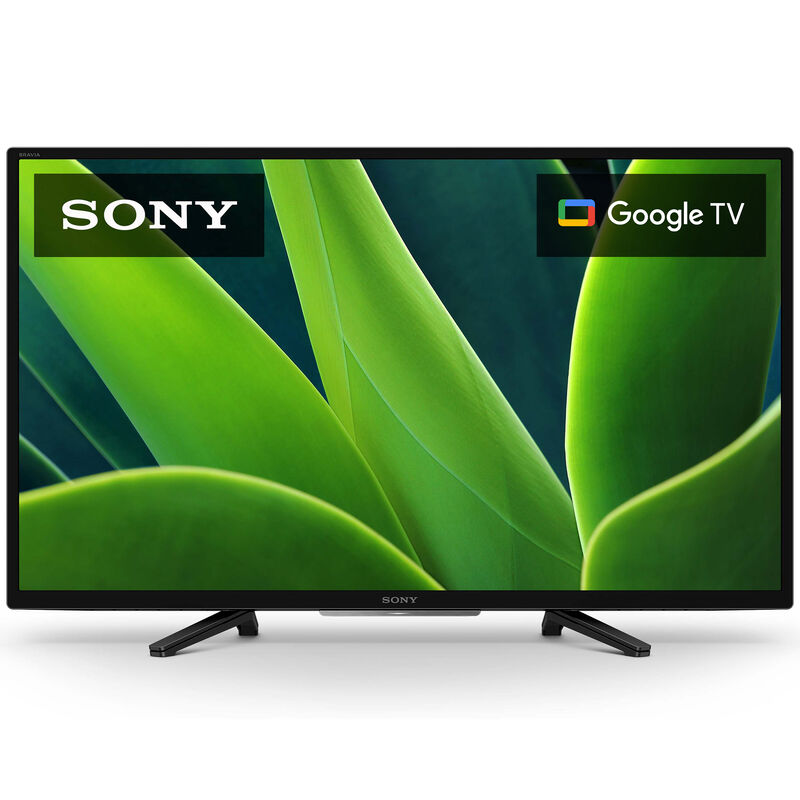
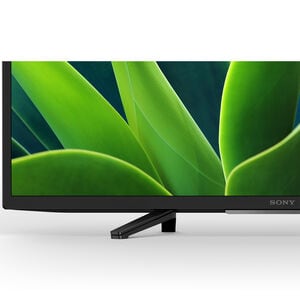
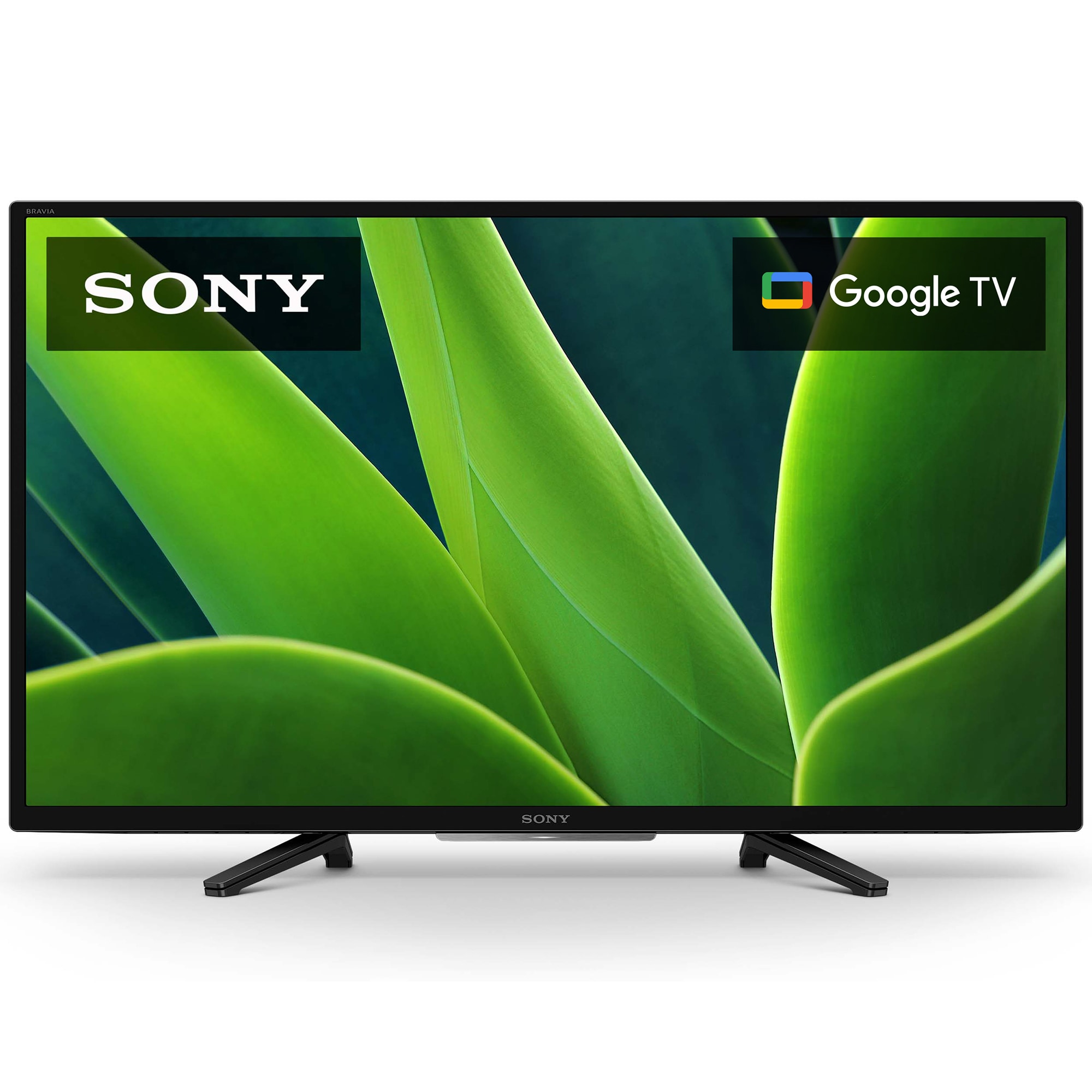
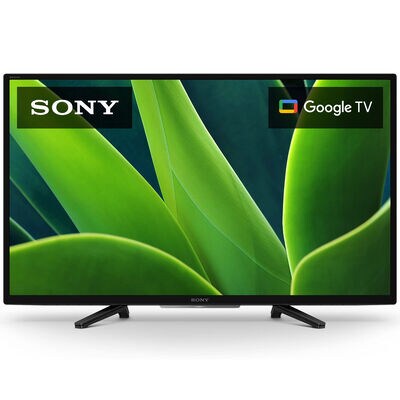
Sony - 32" Class LED HD Smart Google TV






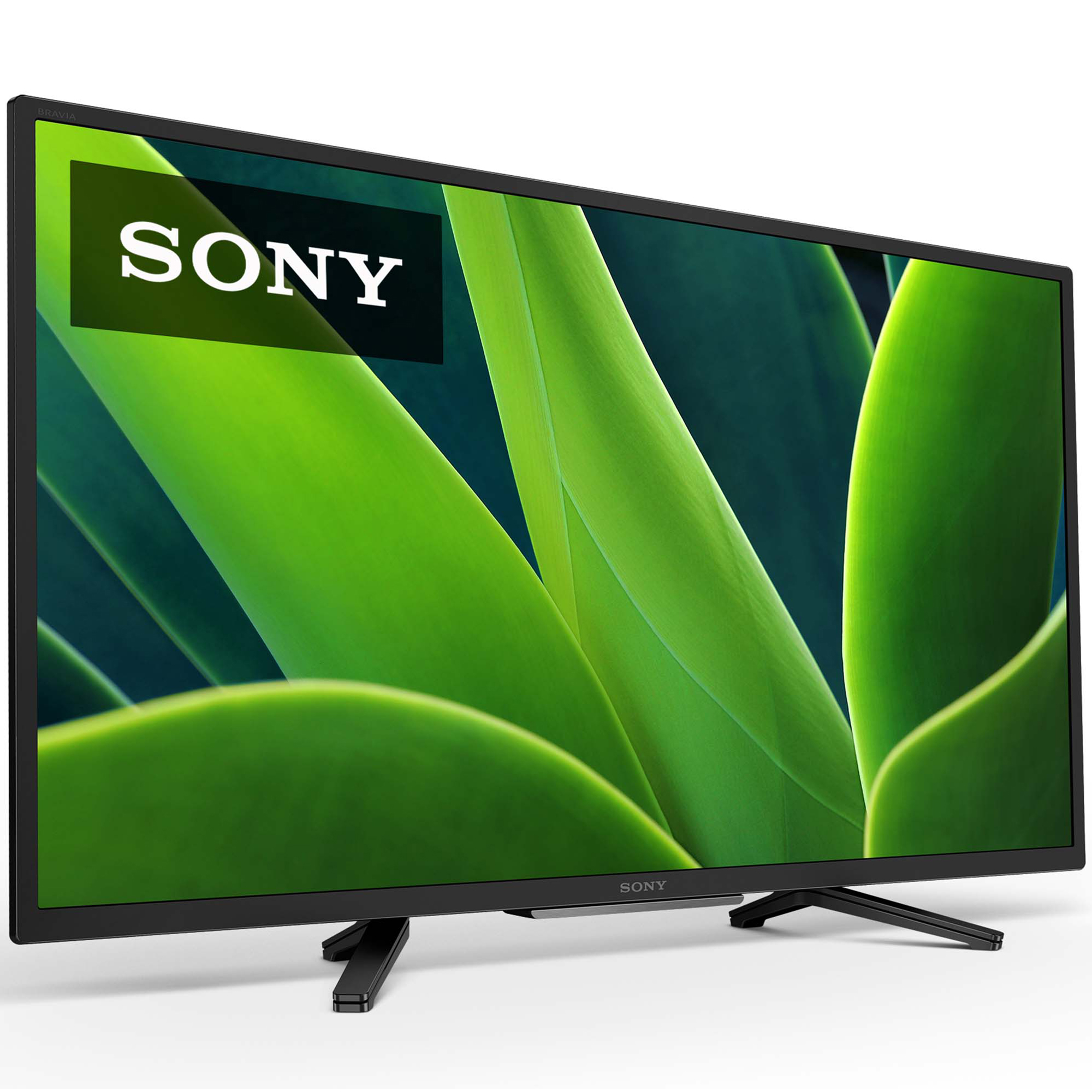


Key Features
- Dimensions (in.) (WxHxD): 28.7(w) X 17.2(h) X 3.0(d)
- Panel Type: LED
- Display Resolution: HD (720p)
- Screen Size Class: 32 Inch
or
$50/Month
Suggested monthly payments with 6-month special financing. Offer good now through 12/31/26.
Show Me How
BUY NOW, PAY LATER WITH Affirm . See if you qualify
Delivery & Pickup Options
Parcel Delivery
This is a special order item. We will contact you once your order is available for delivery
$36.16
Learn More
Delivery and Pickup Options
Superior Service, Before, During & After the Sale

We're dedicated to providing you with fast and reliable shipping options to get your products where they need to go.
Questions?
Call Customer Service at (877) 727-1909 let us know how to help.
Delivery and Pickup Options
Superior Service, Before, During & After the Sale
We're dedicated to providing you with fast and reliable shipping options to get your products where they need to go.
Questions?
Call Customer Service at (877) 727-1909 let us know how to help.
Delivery and Pickup Options
Superior Service, Before, During & After the Sale
We're dedicated to providing you with fast and reliable shipping options to get your products where they need to go.
Questions?
Call Customer Service at (877) 727-1909 let us know how to help.
Delivery and Pickup Options
Superior Service, Before, During & After the Sale
We're dedicated to providing you with fast and reliable shipping options to get your products where they need to go.
Questions?
Call Customer Service at (877) 727-1909 let us know how to help.
Installation Options



About this Item
Sony KD32W830K
32" Class W830K 720p HD LED HDR TV with Google TV (2022)
Rediscover the excitement of movies and games with stunning HDR contrast. Everything you watch and play is enhanced to bring back lost texture and detail with the power of X-Reality PRO technology. Google TV with Google Assistant makes it easy to find content from your favorite streaming apps and control your smart home.


Features:
Beautiful HDR color and contrast
With a wide array of colors and High Dynamic Range (HDR) technology, your favorite content will burst to life on screen. Every scene is analyzed and processed to make colors and shadows even more natural and precise, so picture quality is closer than every to real life.Rediscover every detail
See picture quality full of rich, real-world detail and texture, powered by X-Reality PRO. Each scene is analyzed, and every pixel is enhanced to refine the image, reduce noise, and bring out exceptional clarity in everything you watch.Smooth and clear, even in fast scenes
TV that keeps up with real life. Motionflow XR refresh rate technology keeps movement smooth and clear, allowing fast moving action sequences in sports, movies, and gaming to be seen with lifelike clarity.The entertainment you love. With help from Google
See 700,000+ movies and TV episodes, plus live TV, all in one place. Google TV brings your favorite content from across your apps and subscriptions and organizes them just for you. Searching is easy - just ask Google. Press the Google Assistant button on your remote and try saying "find action movies" to search across your favorite apps.1Thousands of movies and shows at the sound of your voice
Your TV is now more helpful than ever. Use your voice to find movies, stream apps, play music, and control the TV. Ask Google to find a specific title, search by genre, or get personalized recommendations on what to watch by saying, "what should I watch?" Even get answers on screen, control smart home devices, see security cameras, and more. Press the Google Assistant button on the remote to get started.1All your favorite streaming apps in one place
Sony TVs with Google TV give you access to all your favorite streaming apps in one place, including Netflix, Amazon Prime Video, Disney+, YouTube, the Apple TV app, HBO Max, Peacock, and many more. Get access to all your favorite movies and TV shows in a simple, easy-to-navigate interface and use Google Assistant to quickly find new content to watch.1Family-friendly smart TV
Discover a fun collection of movies and shows for the whole family. Create a Kids Profile that helps you guide children to ageappropriate content on streaming apps so they're not watching something they shouldn't be. Pick from a selection of playful avatars and themes, set parental controls to restrict what streaming services are shown, limit watching time, and even set bedtimes.1,21. User must accept Google Terms of Service (http://www.google.com/policies/terms/), Play Terms of Service (https://play.google.com/intl/en-US_us/about/playterms/index.html) and Privacy Policy (http://www.google.com/policies/privacy/) to use TV. User must connect to a Google account to use certain advertised features, including voice to activate linked apps, and install certain apps and operating software during setup. Use of TV without connecting to a Google account allows only basic TV features and certain apps. Wireless connectivity requires 802.11 home network (802.11n recommended). Network services, content, operating system, and software of this product may be subject to separate or third-party terms and conditions and changed, interrupted or discontinued at any time and may require fees, registration and credit card information. Apps must be compatible with TV. App availability varies by region and device.
2. This feature is for users of streaming apps. TV broadcasts cannot be accessed when using Kids Profile. Some TV functions may not be available while using Kids Profile, such as changing settings or inputs.
© 2022 Sony Electronics Inc. All rights reserved. Reproduction in whole or in part without written permission is prohibited.
Sony, BRAVIA, X-Reality PRO, Motionflow, and the Sony logo are trademarks of Sony Corporation. Google TV is the name of this device's software experience. Google, YouTube, YouTube Music, Google TV and other marks are trademarks of Google LLC. All other trademarks are trademarks of their respective owners. Features and specifications are subject to change without notice. Screen images simulated.
2. This feature is for users of streaming apps. TV broadcasts cannot be accessed when using Kids Profile. Some TV functions may not be available while using Kids Profile, such as changing settings or inputs.
© 2022 Sony Electronics Inc. All rights reserved. Reproduction in whole or in part without written permission is prohibited.
Sony, BRAVIA, X-Reality PRO, Motionflow, and the Sony logo are trademarks of Sony Corporation. Google TV is the name of this device's software experience. Google, YouTube, YouTube Music, Google TV and other marks are trademarks of Google LLC. All other trademarks are trademarks of their respective owners. Features and specifications are subject to change without notice. Screen images simulated.


Display Type
LED
Panel Type
LED
LED Backlight Type
Direct Lit
Display Resolution
HD (720p)
Screen Size Class
32 Inch
Actual Screen Size
32 Inches
Panel Refresh Rate (Native)
60Hz
High Dynamic Range (HDR)
Yes
High Dynamic Range Formats
HDR 10, HLG
Smart TV
Yes
Smart Platform
Google TV
Featured Streaming Services
Apple TV+, Disney+, Max, Netflix, Peacock, Prime Video, YouTube TV
Works with
Google Assistant
Voice Assistant Built-In
Google Assistant
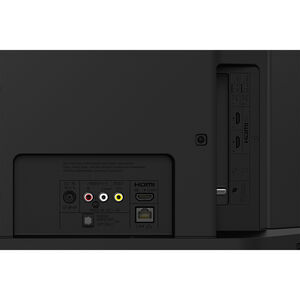
HDMI/PC Inputs
3 HDMI Inputs
Number of HDMI 2.1 Inputs
Not Applicable
Screen Mirroring
Yes
Screen Mirroring Technology
Apple Airplay2
Bluetooth
Yes
Bluetooth Version
5
Number of Digital Optical Audio Outputs
1
Number of USB Ports
2
Number of RS-232 Inputs
Not Applicable
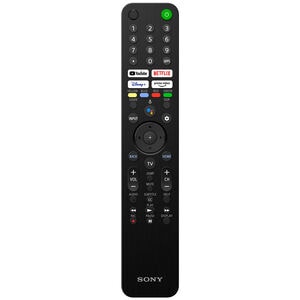
Remote Control
Standard Remote
Stand Included
Not Applicable
Wall Mount Included
No
Product Height
17.25 Inches
Product Width
28.75 Inches
Product Depth
3 Inches
Product Height with Stand (in.)
18.38 Inches
Product Depth with Stand (in.)
7.5 Inches
Product Weight with Stand (lbs.)
11 Lb(s)
Product Weight without Stand (lbs.)
10 Lb(s)
Product Depth without Stand (in.)
3 Inches
Stand Width Min (in.)
17.75 Inches
Stand Width Max (in.)
17.75 Inches
Stand Depth (in.)
7.5 Inches
Adjustable Stand (Width)
No
Carton Height (in.)
21 Inches
Carton Width (in.)
31.63 Inches
Carton Depth (in.)
5.75 Inches
Carton Weight (lbs.)
15 Lb(s)
Series
Not Applicable
Model Year
2022
Mfr Recommended Soundbar Model Number
Additional Sizes
-
Additional Features
-
Gaming TV
No
Design Focused TV
Not Specified
Warranty Terms - Labor
12 Month(s)
Warranty Terms - Parts
12 Month(s)
Warranty Extra Type
-
Customers Say
AI-generated from the text of customer reviewsThis 32-inch Sony TV strikes an excellent balance for smaller spaces, delivering surprisingly crisp visuals and vibrant colors that hold up well from various viewing angles. While the built-in speakers handle everyday viewing adequately, you'll likely want external audio for more immersive entertainment. The Google TV interface offers comprehensive streaming options, though it can occasionally feel sluggish. The versatile connectivity and efficient size make it perfect for bedrooms or compact living areas, with both stand and wall-mounting flexibility. Picture settings are highly customizable, and the energy-efficient display automatically adjusts to room lighting. Despite some minor quirks with the smart features and remote responsiveness, the overall build quality suggests lasting durability typical of Sony's reputation.
Select to Learn More
- Pressing this button shows more details below
Does the optical audio out work with HDMI input to the TV (such as from a cable box)? I have an older Sony model whose optical out only works with digital channels, such as over-the-air channels - I want to be sure this model doesn't have that limitation
Hello, if you are using HDMI - then you do not also need to use optical for audio. HDMI carries both audio and video.
Date published: 2025-10-24
We just bought this TV precisely because of the bluetooth connection so we can use headphones. We are setting it up. How can e connect our bluetooth?
sorry... i love my tv, works well with my spectrum cable. i don't have bluetooth, and i am the last guy on earth to answer anything remotely technical about stuff. i have hearing aids, and my hearing aids have an app on my cell phone, which lets me adjust the aids for tv, and within tv, volume and clarity, etc... maybe bluetooth has an app on a cell phone? i wouldnt know...if they use cable tv in nyc, i bet the spectrum cable techie could help them here.
good luck
jaack
Date published: 2024-01-03
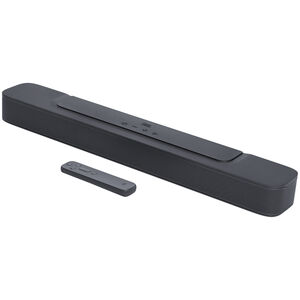
I don't see a recommended sound bar for this tv. What would be compatible?
Hi lrdc,
Thank you for your question. You may want to consider the Sony HTA3000, HTA5000 or HTA7000. The KD32W830K is designed to support these models via HDMI ARC. For more information, please refer to these links:
https://helpguide.sony.net/tv/jusltnr4/v1/en-003/04-04_01.html
https://electronics.sony.com/audio/soundbars/a-series-soundbars/p/hta3000
https://electronics.sony.com/audio/soundbars/all-soundbars/p/hta5000
https://electronics.sony.com/audio/soundbars/all-soundbars/p/hta7000
Our W830K has our X-Reality PRO which upscales every pixel for exceptional clarity, analyzing frames and matching each scene with our unique database to refine images and reduce noise. It also has Google TV with Google Assistant organizes your content all in one place.
-Ralph
Date published: 2023-04-25
Hi, will this connect to over the air signal with an antenna
Hi Rich,
Thank you for your question. Great news! You can connect an antenna to the TV for over-the-air channels. For more information, please refer to this link:
https://helpguide.sony.net/tv/jusltnr4/v1/en-003/01_10.html
The W830K has our X-Reality PRO which upscales every pixel for exceptional clarity, analyzing frames and matching each scene with our unique database to refine images and reduce noise. It also has Google TV with Google Assistant organizes your content all in one place.
-Ralph
Date published: 2023-03-05
Can you use facebook
Hi Georgia Peach, Thanks for the inquiry. Facebook app can't be downloaded will need to use another device to connect via HDMI to view from other device. Hope this helps!
See pictures full of vivid detail and texture on this TV. X-Reality PRO upscales every pixel for exceptional clarity, analyzing frames and matching each scene with our unique database to refine images and reduce noise.
Regards,
Sam
Date published: 2023-01-05
How old is this t.v.
Hi Barbara, Good question! The Sony KD-32W830K is a 2022 model. Hope this helps!
See pictures full of vivid detail and texture on this TV. X-Reality PRO upscales every pixel for exceptional clarity, analyzing frames and matching each scene with our unique database to refine images and reduce noise.
Regards,
Sam
Date published: 2022-12-22
I have TV viewing, on 1 HDMI ,my Apple on 2 HDMI, my DVD/VCR on 3 HDMI, arc but not on Av which is not connected is that wrong? Also why do I not have HOME PAGE as indicated in Sony instructions?
Hi Maureen, Thank you for reaching out! The connections are correct. But if you have an AV Receiver that has an HDMI ARC function, I'd recommend connecting the AV receiver to the HDMI IN 3 of the TV. You will have to press the HOME button on the remote control to display the Home Menu.
NOTE: Depending on the TV settings, the Home screen will be displayed when the TV is turned on. If you change the following setting, you can change the screen that is displayed when the TV is turned on to the TV broadcast channel or external input such as HDMI that you were watching before turning off the TV.
Press the (Quick Settings) button on the remote control, then select [Settings] — [System] — [Power and Energy].
Select [Power on behavior], and then select [Last input].
The next time the TV is turned on, the TV broadcast channel or external input such as HDMI that you were watching before turning off the TV will be displayed.
REF: https://helpguide.sony.net/tv/jusltnr4/v1/en-003/01-03_10.html
For further assistance, please contact our product support team via phone call or chat through this link: https://us.esupport.sony.com/support/s/service?language=en_US.
Or email us at socialsupport@am.sony.com with the following details:
Name:
Username:
Model Number:
Issue:
Telephone Number:
Sincerely,
Sam
Date published: 2022-09-19
Can this model show picture within a picture?
Hi Maureen, Thanks for your inquiry! Unfortunately, no. Picture-in-Picture (PIP), Picture & Picture (P&P), or Twin Picture capability aren't included with this TV. However, similar functionality may be available through a third-party service or channel for sports, videos, etc. Check with your cable or satellite TV provider for options.
REF: https://www.sony.com/electronics/support/televisions-projectors-lcd-tvs-android-/kd-32w830k/articles/00271928
Regards,
Sam
Date published: 2022-12-21
Accessories


$24.99
IN-STOCK & READY TO SHIP
IN-STOCK & READY TO SHIP

$49.99
IN-STOCK & READY TO SHIP
IN-STOCK & READY TO SHIP
Gallery
Double Tap or Pinch to Zoom


Special Financing

Enjoy Hassle-free Financing with P.C. Richard & Son
SEE IF YOU PREQUALIFY
Get a decision in seconds with no impact to your credit bureau score.
or
APPLY NOW
Amount Financed
$299.99
Suggested Equal Monthly Payment
$50
Promotional Period
6Mo.
The Suggested Equal Monthly Payment shown above (which may exclude taxes and delivery) may be greater than the required minimum monthly payment that will be on your billing statement when you use the 6-month promotional financing offer.
This estimated payment:- Equals the amount financed divided by 6 rounded to the next highest whole dollar.
- Would pay off the amount financed within 6 months, but only if there are no other balances on your account at any time during the 6-month promotional period and you make your payments on time. Your total payments will equal the amount financed.
If the amount financed is not paid in full within 6 months, interest will be charged to your account from the purchase date and your total payments will be greater than the amount financed.
IMPORTANT: The information about the Suggested Equal Monthly Payment shown assumes the following promotional financing offer is applied to the amount financed:
No Interest if Paid in Full Within 6 Months*
On Everything we sell with your P.C. Richard & Son Credit Card now through 12/31/26.
Interest will be charged to your account from the purchase date if the promotional purchase is not paid in full within 6 months. Minimum monthly payments required.
*Click for details
Benefits You`ll Love With Your P.C. Richard & Son Credit Card

No annual fee1

$0 fraud liability

Advance notice of sales, special financing, and discounts

Convenient monthly payments
1New Accounts as of 7/31/25: Purchase APR 34.99%. Penalty APR 39.99%. Min Interest Charge $2.